
Create AI Chat Widgets with EnterEcom Solutions
AI Chat Widgets, Website Chat Solutions, Marketing Automation
How to Create and Deploy AI Chat Widgets with EnterEcom Web Solutions
If you run a growing business or agency, you already know how important fast, friendly support is. The good news? You don’t need a 24/7 call center to deliver it. With EnterEcom Web Solutions, you can create powerful AI Chat Widgets that greet visitors, answer questions, and even capture leads while you sleep. Let’s walk through how to create chatbots, plug them into your site with smooth Chat Widget Integration, and turn them into your new AI-powered support team.
Why AI Chat Widgets Belong in Every Modern Business
Customers expect instant answers, whether they land on your homepage at 10 a.m. or 2 a.m. That’s where AI Customer Support shines. Instead of forcing visitors to submit a form and wait, Website Chat Solutions powered by AI can:
Greet visitors the moment they arrive and guide them to the right offer or page.
Answer common questions about pricing, services, and availability automatically.
Capture leads, book calls, and qualify prospects before your team ever steps in.
EnterEcom Web Solutions bundles these capabilities into one all-in-one, AI-powered marketing platform. That means your chat widget doesn’t live in a silo—it connects with your funnels, email campaigns, and CRM so you can scale with simplicity and efficiency.
Step 1: Plan the Purpose of Your AI Chat Widget
Before you jump in and create chatbots, get clear on what you want your AI assistant to do. For most businesses and agencies, AI Chat Widgets usually focus on one or more of these goals:
Lead generation: collect names, emails, and project details for sales follow-up.
Support: provide instant answers to FAQs, policies, and product details.
Sales guidance: help visitors choose the right plan, package, or service tier.
💡 Friendly Tip: Start with one clear objective—like “book more discovery calls”—then expand your AI Customer Support flows once you see what your visitors ask most.
Step 2: Create Chatbots Inside EnterEcom Web Solutions
Inside EnterEcom, building your first chatbot is designed to be simple—even if you’re not technical. You choose your website or funnel, click to add a chat widget, and follow a friendly, guided setup. From there, you can:
Define your bot’s personality and greeting message so it matches your brand voice.
Upload FAQs, product details, and service descriptions so the AI can respond accurately.
Set up flows for lead capture, booking links, or handing off to a human agent when needed.

Visual flows make it easy to design AI Customer Support journeys in minutes.
Because EnterEcom Web Solutions is an integrated platform, your AI Chat Widgets can automatically tag contacts, add them to nurture sequences, or notify your sales team when a hot lead appears. That’s the power of combining Website Chat Solutions with full marketing automation in one place.
Step 3: Seamless Chat Widget Integration on Your Site
Once your chatbot is ready, it’s time for Chat Widget Integration. EnterEcom keeps this part straightforward so agencies and business owners can deploy quickly across multiple sites:
Choose where the widget appears—bottom right, bottom left, or on specific pages only.
Customize colors and icons so the chat bubble feels native to your brand.
Copy a small snippet of code and paste it into your website builder or CMS.
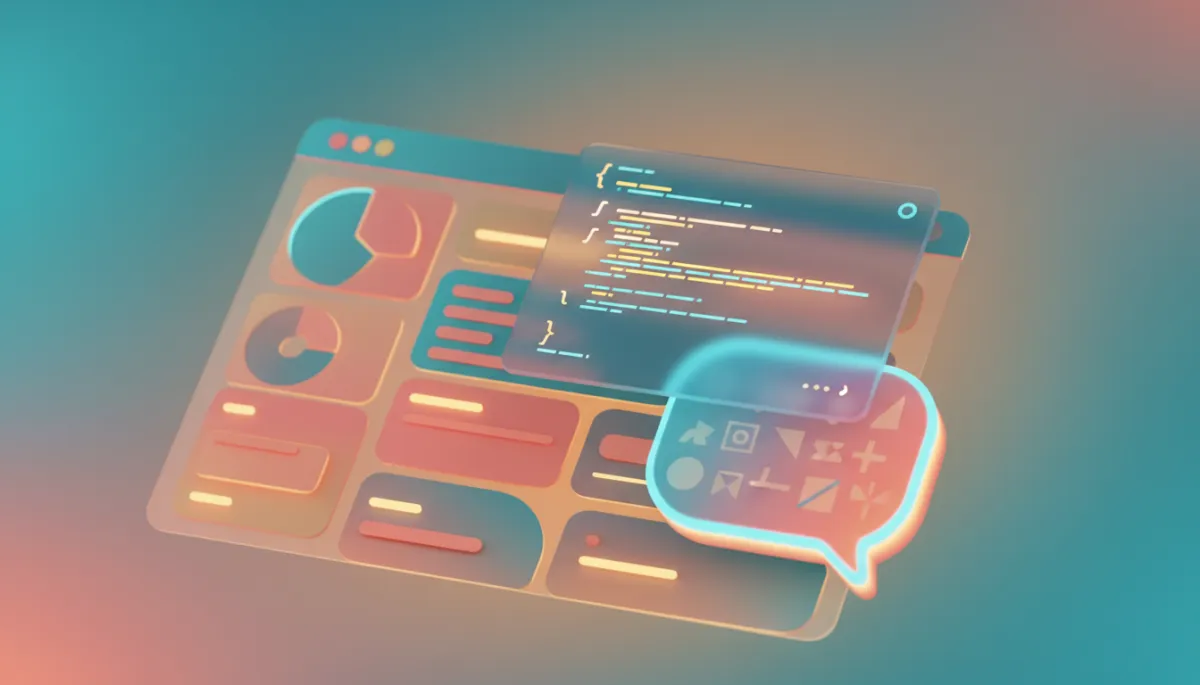
Simple embed snippets let agencies roll out chat widgets across many clients.
For agencies, this is a game changer. You can standardize a powerful AI Customer Support experience and roll it out to multiple clients, all managed from your EnterEcom dashboard. It’s a scalable revenue stream that also makes you look like a hero to your clients.
Step 4: Optimize, Analyze, and Scale Your Website Chat Solutions
Launching your AI Chat Widgets is just the beginning. EnterEcom Web Solutions gives you analytics so you can see which questions pop up most, where conversations drop off, and how many leads or bookings your bot generates. With that insight, you can:
Refine responses to be clearer, more helpful, and more on-brand.
Add new flows for upsells, cross-sells, or seasonal promotions.
Decide when to route high-value chats to a human for a personal touch.

Analytics reveal how AI chats translate into leads, bookings, and revenue growth.
Turn Conversations into Growth with EnterEcom Web Solutions
When you combine AI Chat Widgets, smart Chat Widget Integration, and an all-in-one marketing platform, you get more than a simple chat bubble—you get a growth engine. For businesses and agencies, EnterEcom Web Solutions makes it easy to create chatbots that are friendly, accurate, and deeply connected to your funnels, emails, and CRM.
If you’re ready to simplify support, capture more leads, and give your visitors the instant answers they expect, it’s the perfect time to explore EnterEcom’s Website Chat Solutions. Start your 14-day free trial or book a live demo today, and see how fast you can go from “no chat” to a fully deployed AI Customer Support experience that works for you around the clock.


